Description
Plugin Nexus Demo Guide
PINXS 3D Model Viewer Demo Guide
This guide explains how to use the live PINXS 3D Model Viewer demo. You can try the front-end 3D model display and view the read-only WordPress admin demo to see how models are managed inside the plugin.
Try the live embedded model exactly as a website visitor would see it on a WordPress page.
Log in to view the model management screen and preview editor without being able to save or change data.
This demo runs on its own WordPress install, separate from the main Plugin Nexus sales and support site.
What this demo shows
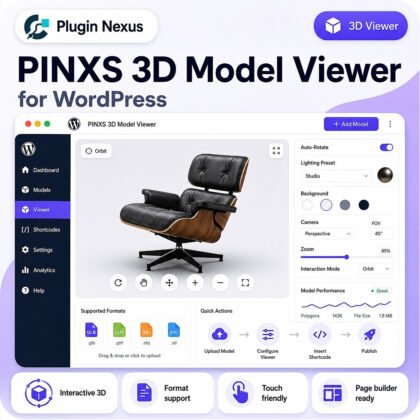
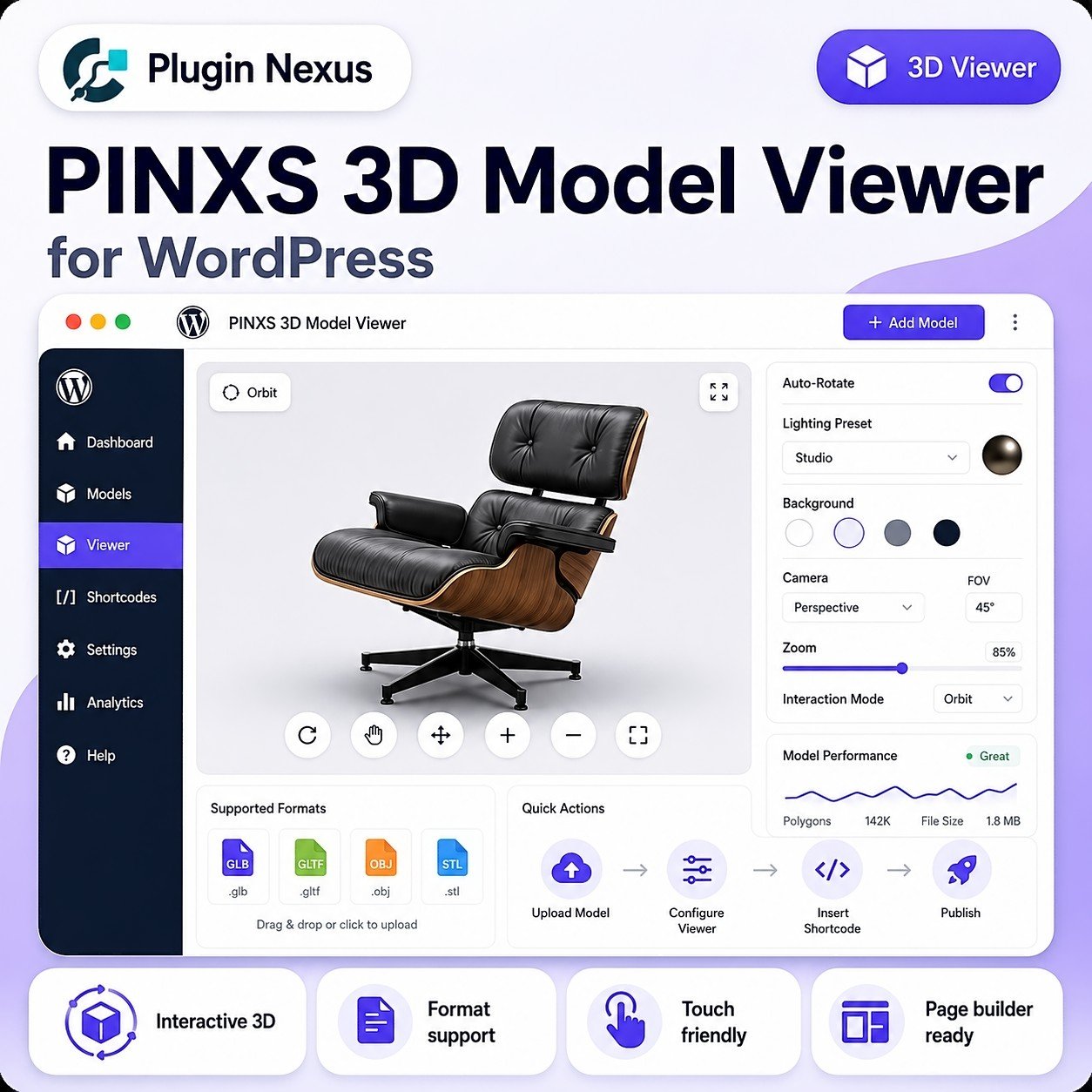
The PINXS 3D Model Viewer demo shows how a 3D model can be displayed on a WordPress page and managed from inside the WordPress admin area.
- View an interactive 3D model embedded on a WordPress page.
- Rotate, zoom and inspect the model in the front-end viewer.
- Open the read-only admin demo to see the plugin management screen.
- View the model editor and preview area without being able to save changes.
- See how the plugin fits into a normal WordPress admin workflow.
How to use the live model demo
Open the live demo page and use the model viewer controls to interact with the sample model.
Click and drag the model to turn it and view it from different angles.
Use the mouse wheel, trackpad pinch gesture or available zoom controls.
Right-click and drag, or use compatible trackpad gestures where supported.
Use the reset or home control if available to return the model to its starting position.
Read-only WordPress admin demo
The admin demo lets you see how the 3D Model Viewer appears inside WordPress. The public demo account is restricted, so you can view the model screen and preview area, but you cannot add, save, delete or upload content.
Demo login: demo / demopassword
What is disabled in the admin demo?
To keep the demo install clean and safe, the public demo user has restricted access.
The demo user cannot update or overwrite the sample model.
The public account cannot upload media or model files.
The sample content cannot be deleted, trashed or replaced.
Unrelated WordPress admin areas are hidden or restricted.
View the full product details
This demo guide focuses on trying the product. For full features, licence options, compatibility information and purchase details, visit the main Plugin Nexus product page.